

Astro Visuals.
Real-time audio visuals and a precision LUFS meter, as an app and as a plugin.
Version 1.4 adds six visuals that understand your music: they pick out the kick, the snare and the hats, the tempo, the bar, the key and the chords as it plays.

- 21visuals, from the spectrogram to the circle of fifths
- 6new in 1.4 that understand the music
- 8skins, each in its own colours
- R128LUFS to ITU-R BS.1770-4 and EBU R128
- 3formats: app, AU and VST3
- 2computers on one license
Visuals that understand your music.
1.4 brings a musical layer. As it plays, Astro Visuals picks out the kick, snare and hat hits, the tempo, where you are in the bar, the key, the chords and the bass note. Six new visuals are drawn from that, and in the plugin the tempo and the bar come straight from your DAW.
- Kick
- Snare
- Hats
- Tempo
- Bar
- Key
- Chords
- Bass
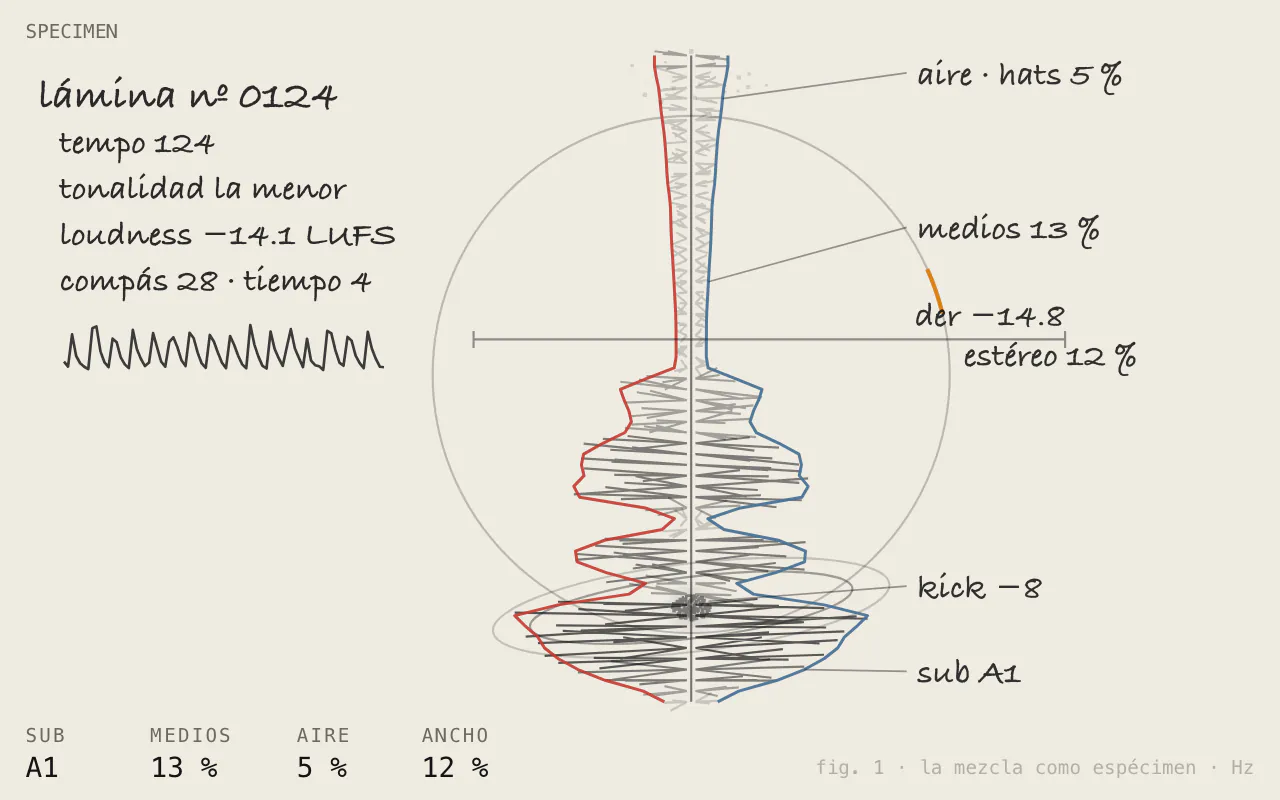
/01 · SPECIMENDAY SKIN
The mix as a specimen plate.
The spectrum drawn as a hand-annotated specimen plate: the body shows the left and right channels, with the kick, the hats and the notes pointed out. Its card has the tempo, the key, the loudness and the bar written on it.
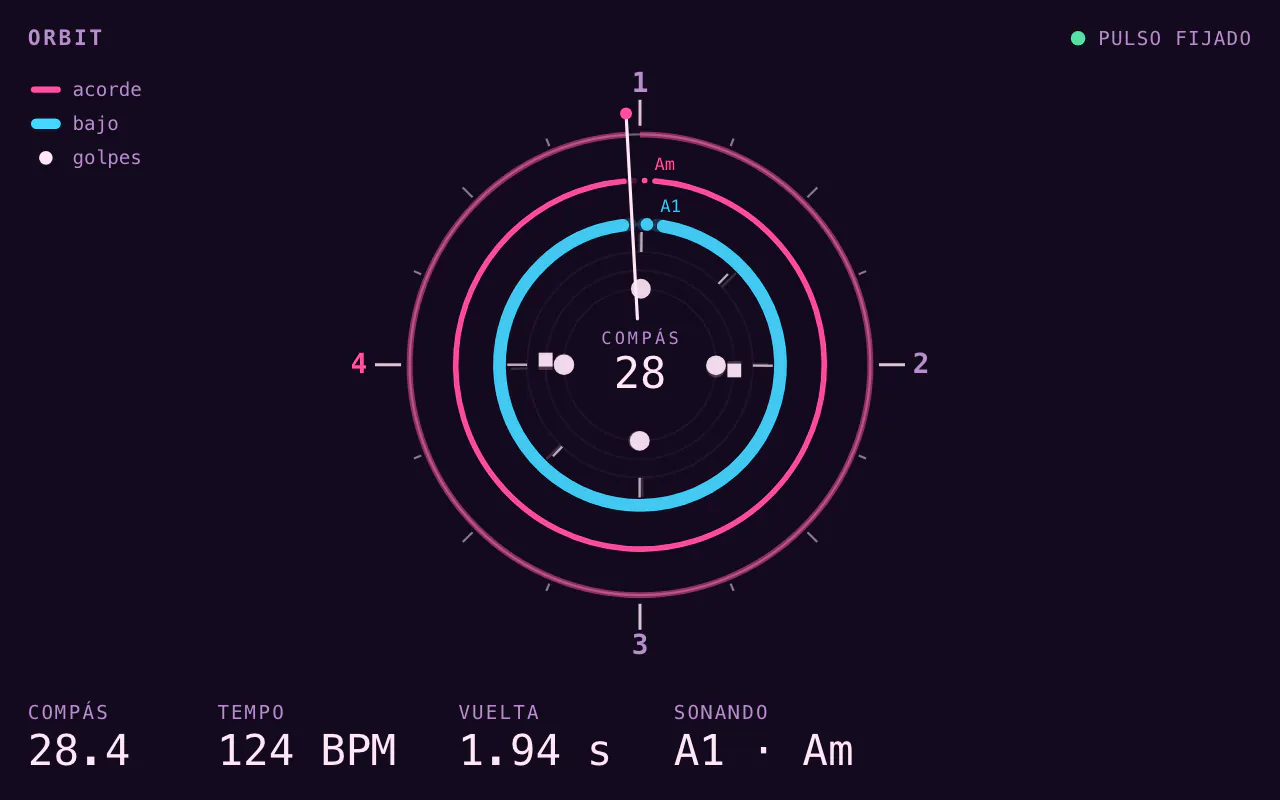
/02 · ORBITSYNTHWAVE SKIN
One bar, one turn.
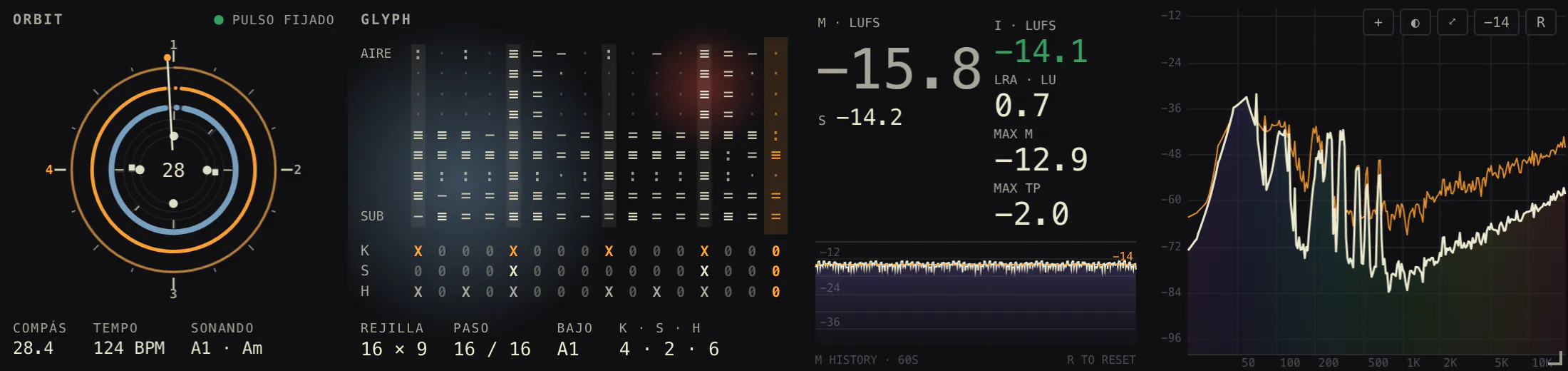
The needle makes one turn per bar and every hit stays where it landed: kick, snare and hats. Around them, the bass and the chord are drawn as arcs.
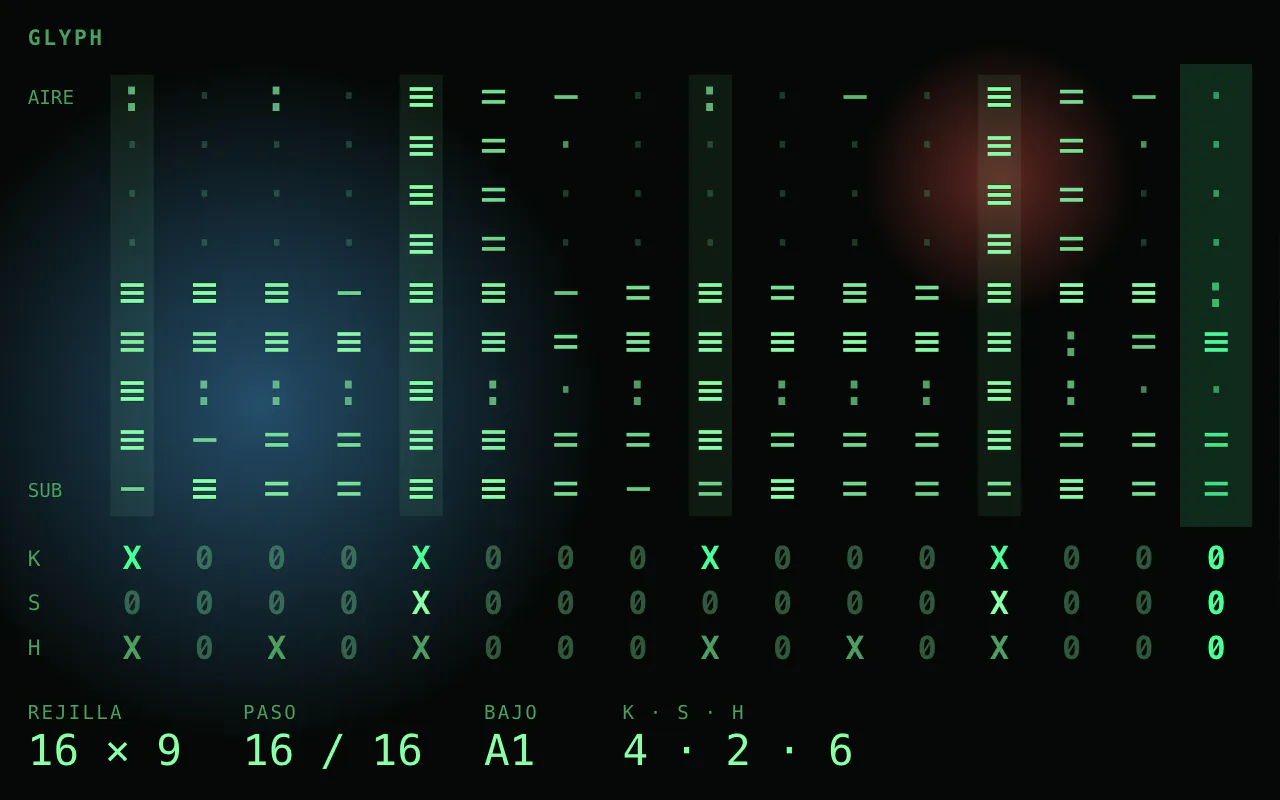
/03 · GLYPHPHOSPHOR SKIN
The bar, written in glyphs.
A 16-step by 9-band grid written in glyphs that fills up as the bar goes by. Underneath, the kick, snare and hat pattern.
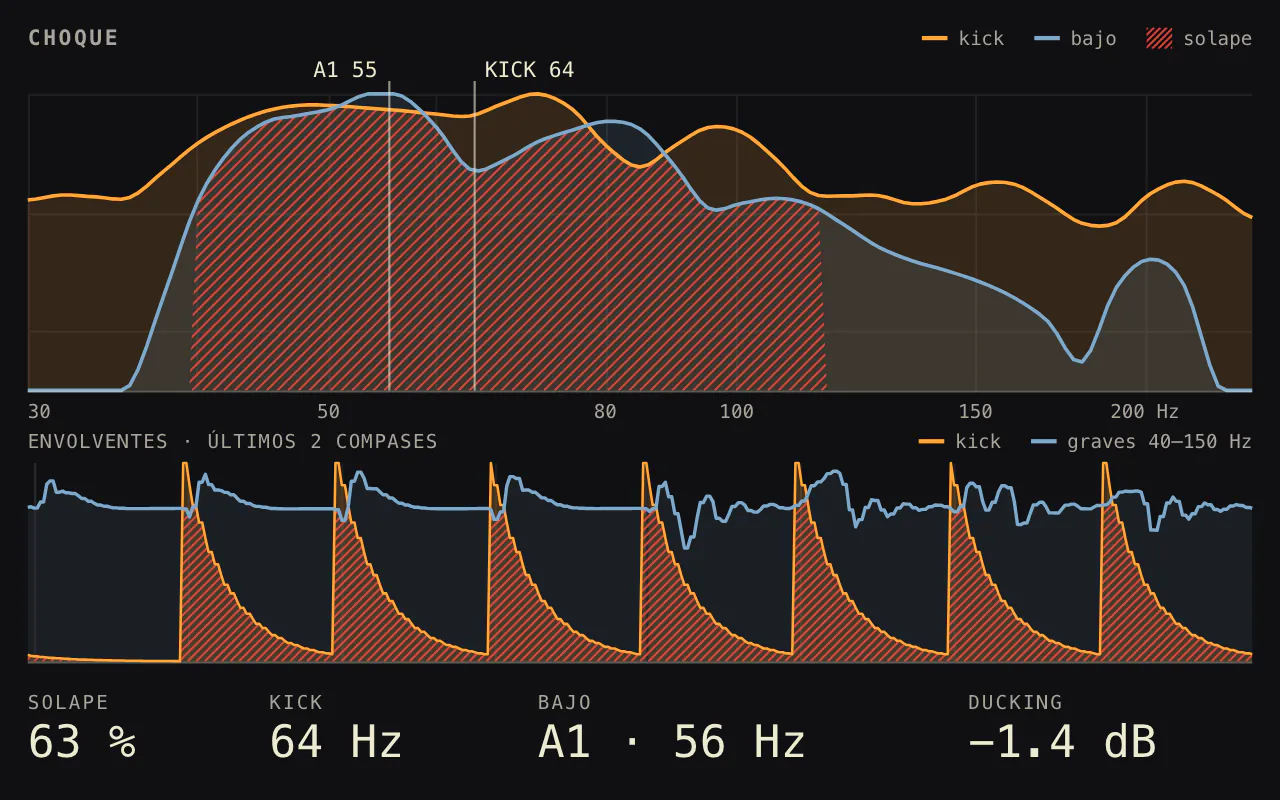
/04 · CHOQUENIGHT SKIN
Kick against bass.
The kick and bass spectra with their shared area hatched, and their envelopes over the last 2 bars. You read how much they overlap, where the kick hits, which note the bass plays and how far it ducks when the kick comes in.
/05 · ANCHONEBULA SKIN
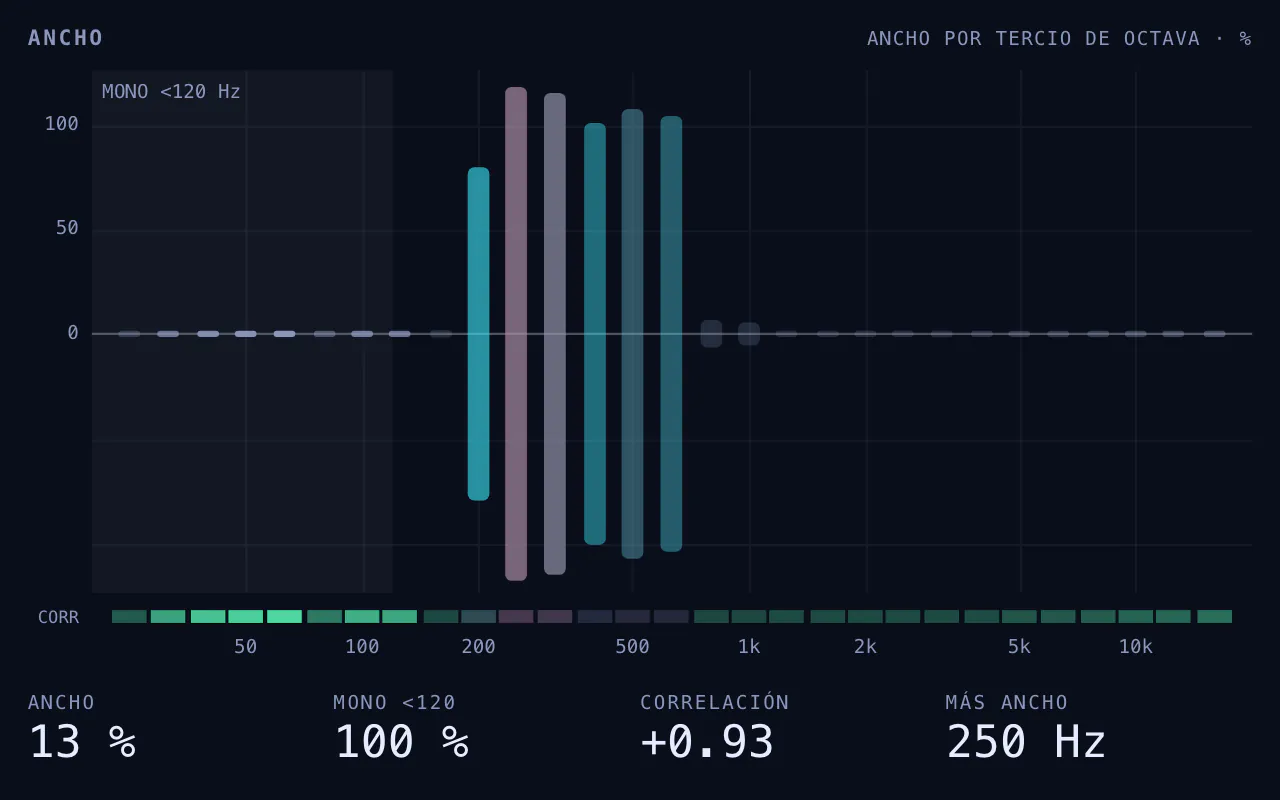
Stereo width, band by band.
The width of every third of an octave. Below 120 Hz there's a zone that should stay mono: when the low end goes wide, it turns red and warns you. Underneath, the correlation.
In this video, a test tone opens up the low end halfway through the loop so you can see the warning.
/06 · QUINTASPINK SKIN
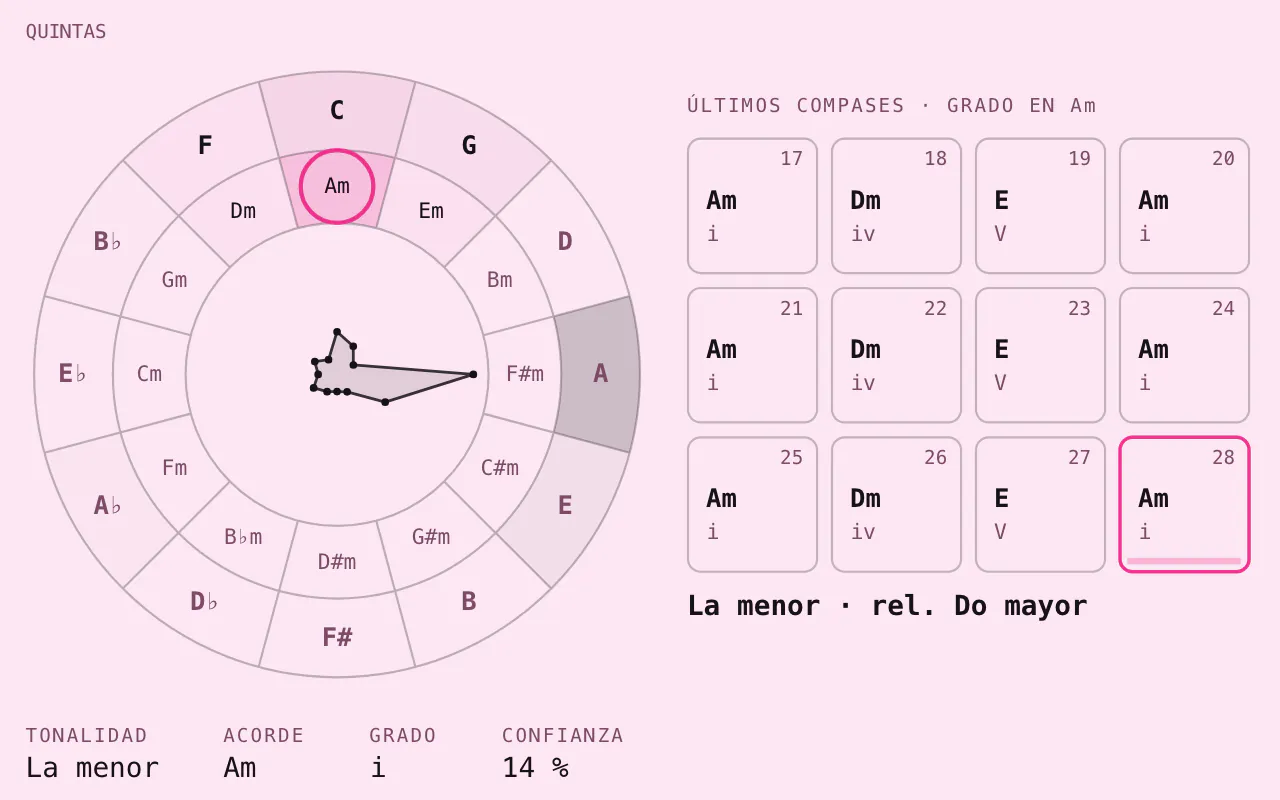
The circle of fifths, lit up.
It lights up with the notes that are playing and marks the key and the current chord. Underneath, a strip with one chord per bar and its degree.
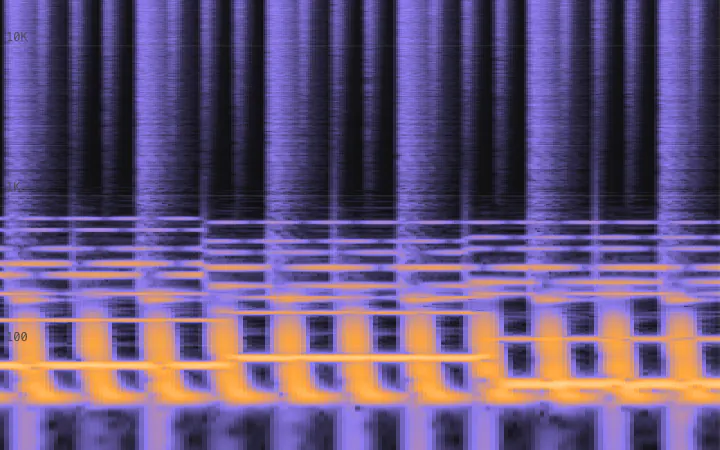
Twenty-one ways to see the same audio.
Any panel can be any of them. The six marked 1.4 are new.
SPECTROGRAM 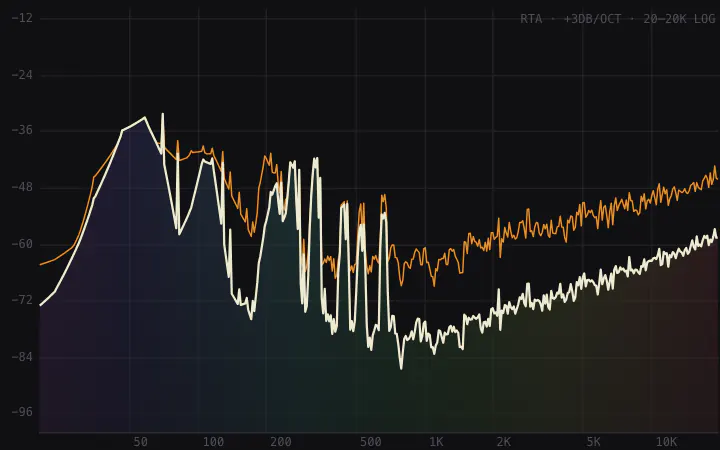
SPECTRUM 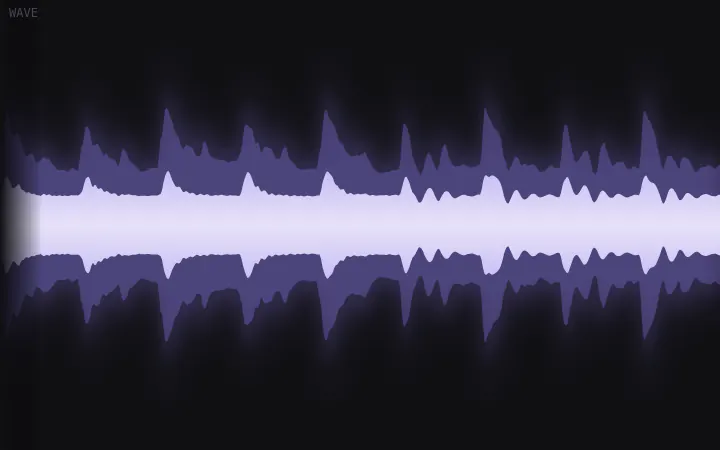
WAVEFORM 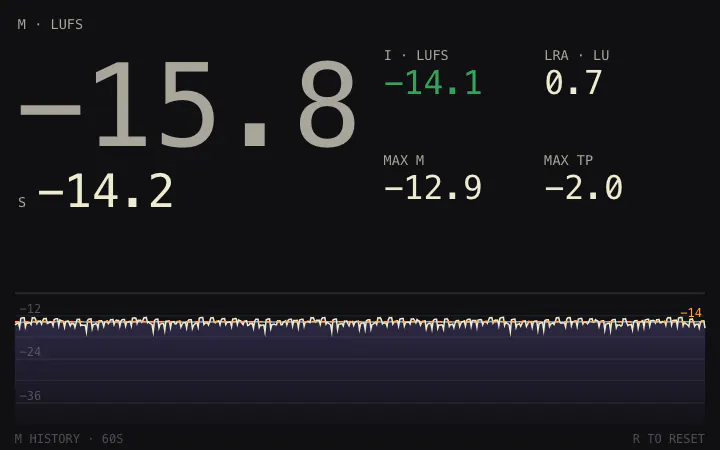
LUFS 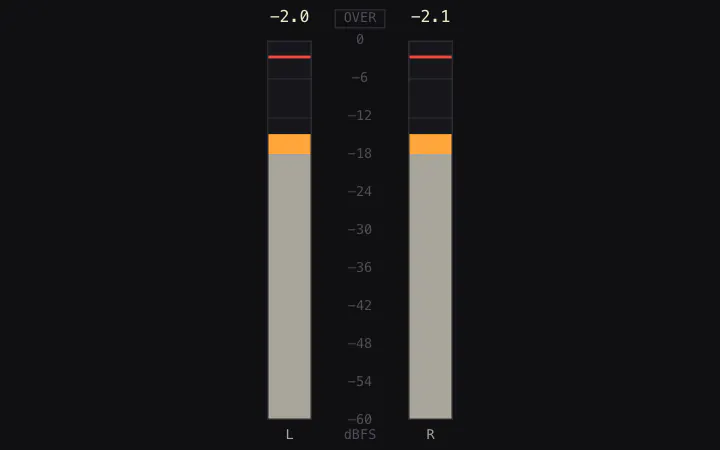
LEVELS 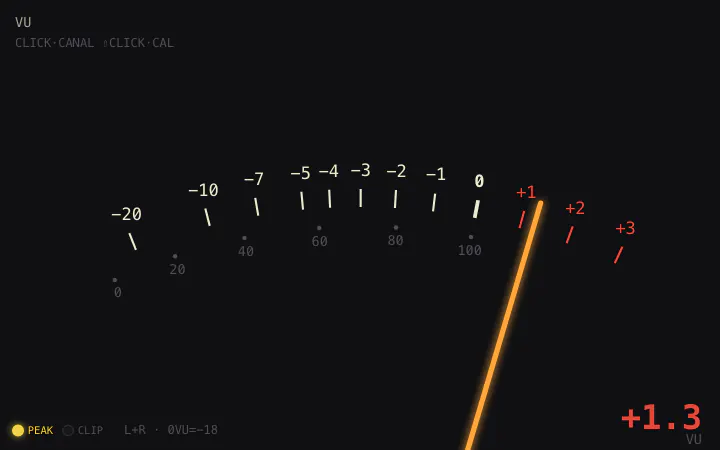
VU 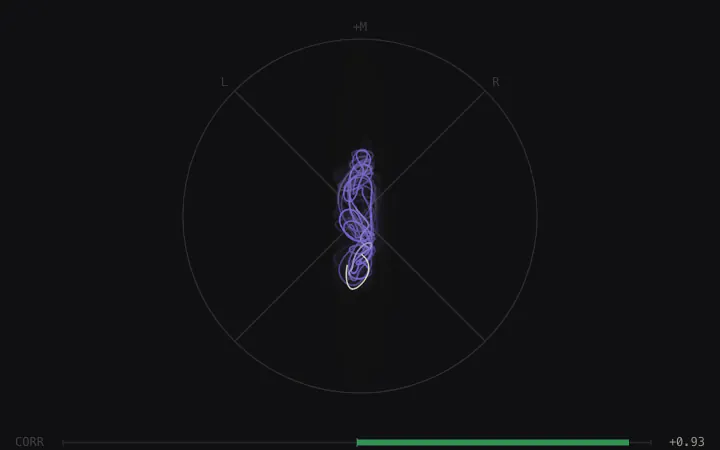
GONIOMETER 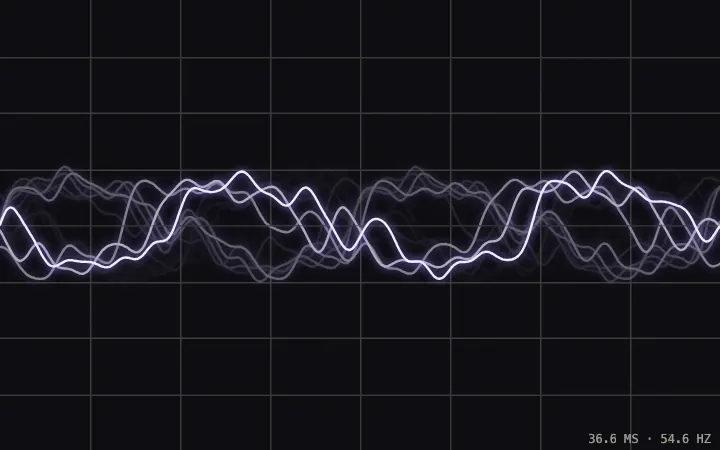
SCOPE 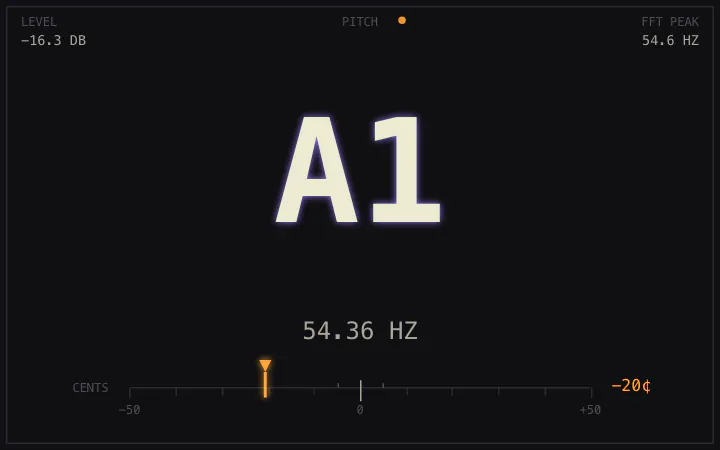
TUNER 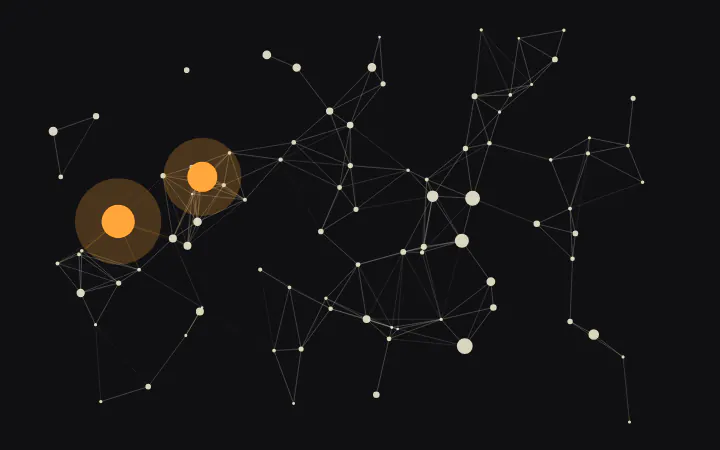
CONSTELLATION 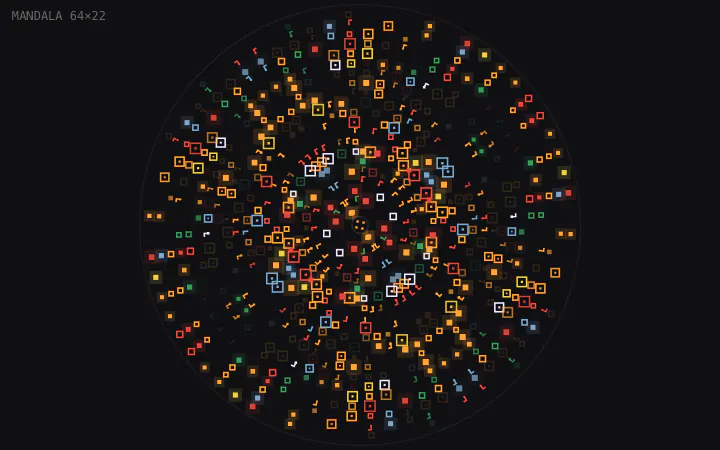
MANDALA 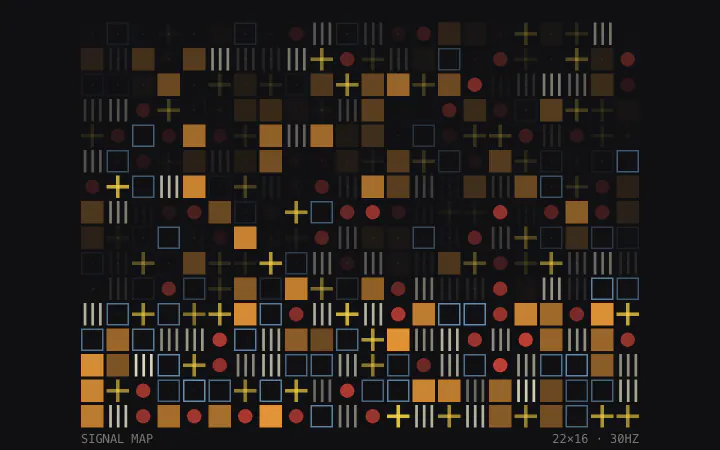
SIGNAL MAP 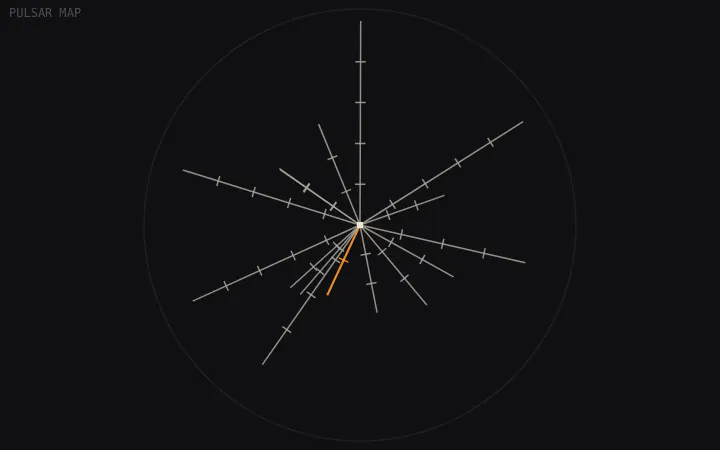
PULSAR 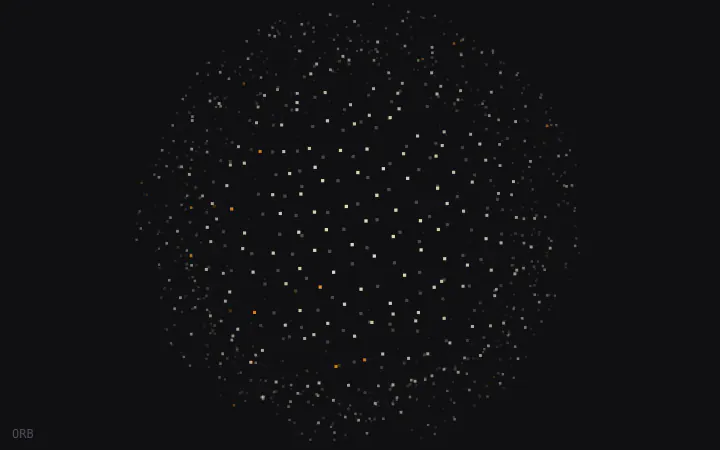
ORB 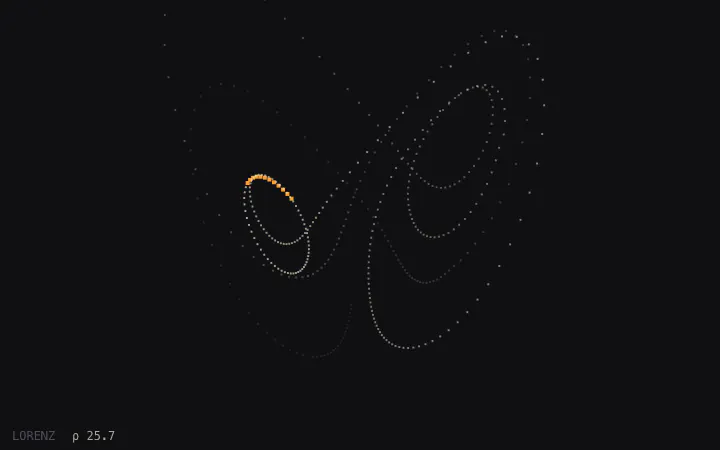
ATTRACTOR 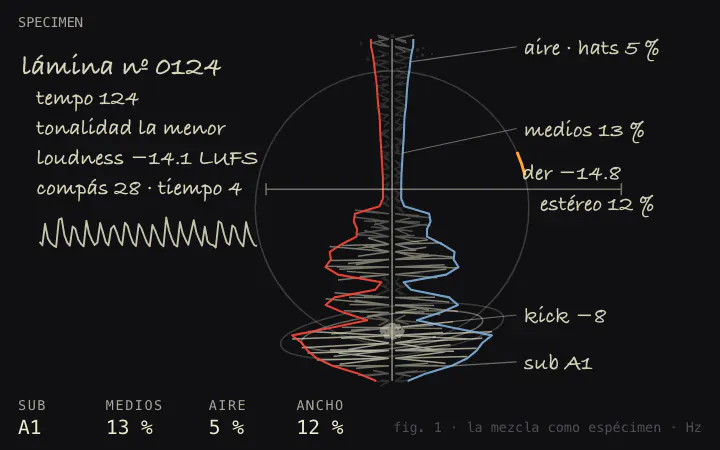
SPECIMEN1.4 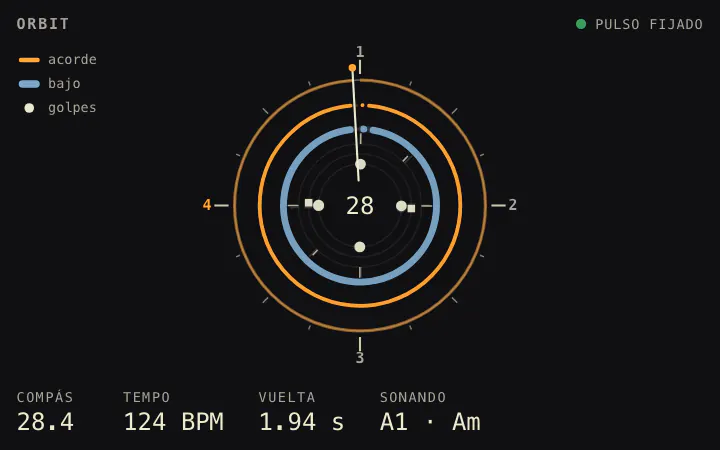
ORBIT1.4 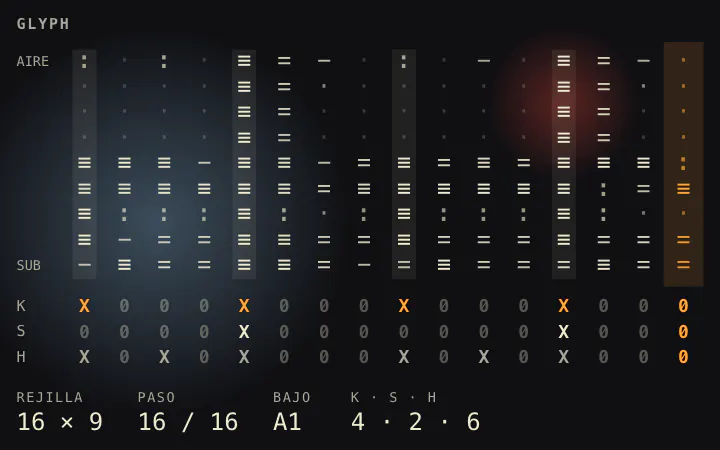
GLYPH1.4 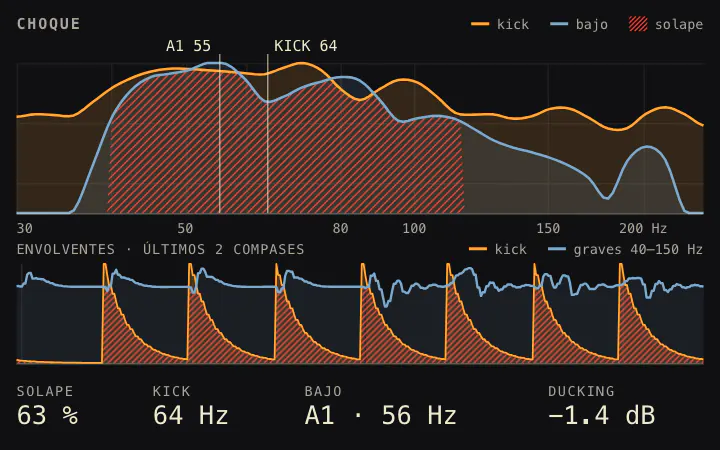
CHOQUE1.4 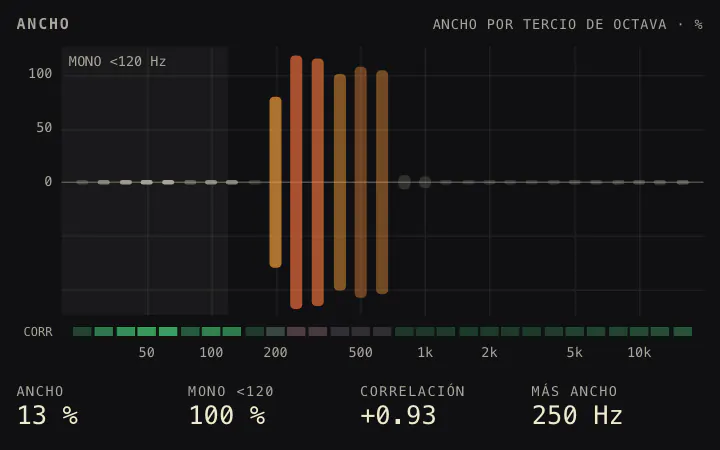
ANCHO1.4 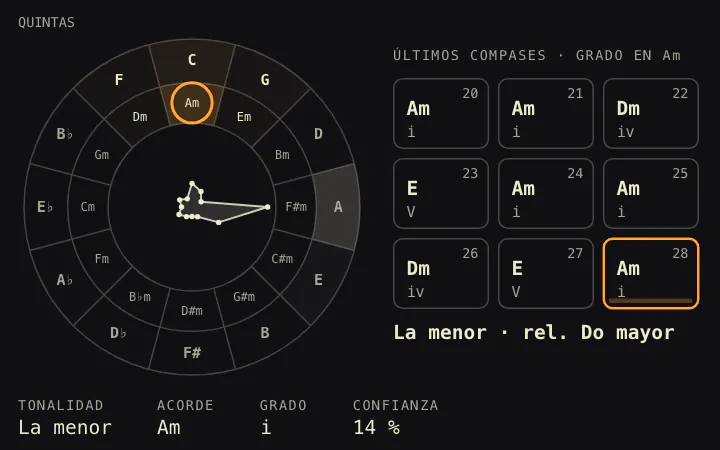
QUINTAS1.4
Eight skins, each in its own colours.
A skin changes the whole app: the bar, the panels and every visual. The ◐ menu paints each skin in its own colours, so you choose by sight instead of cycling blind.
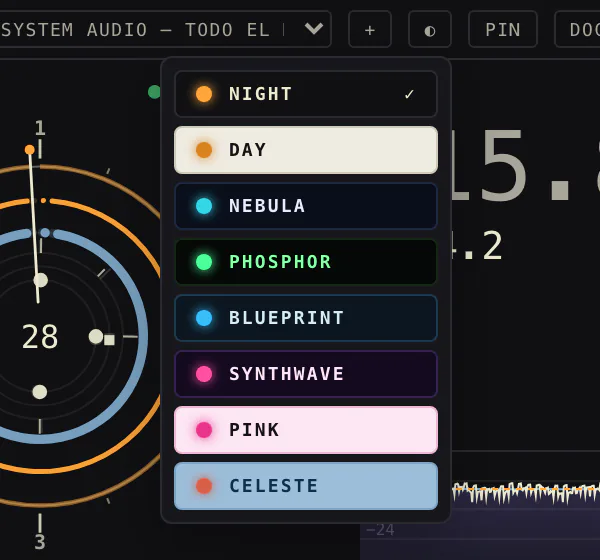
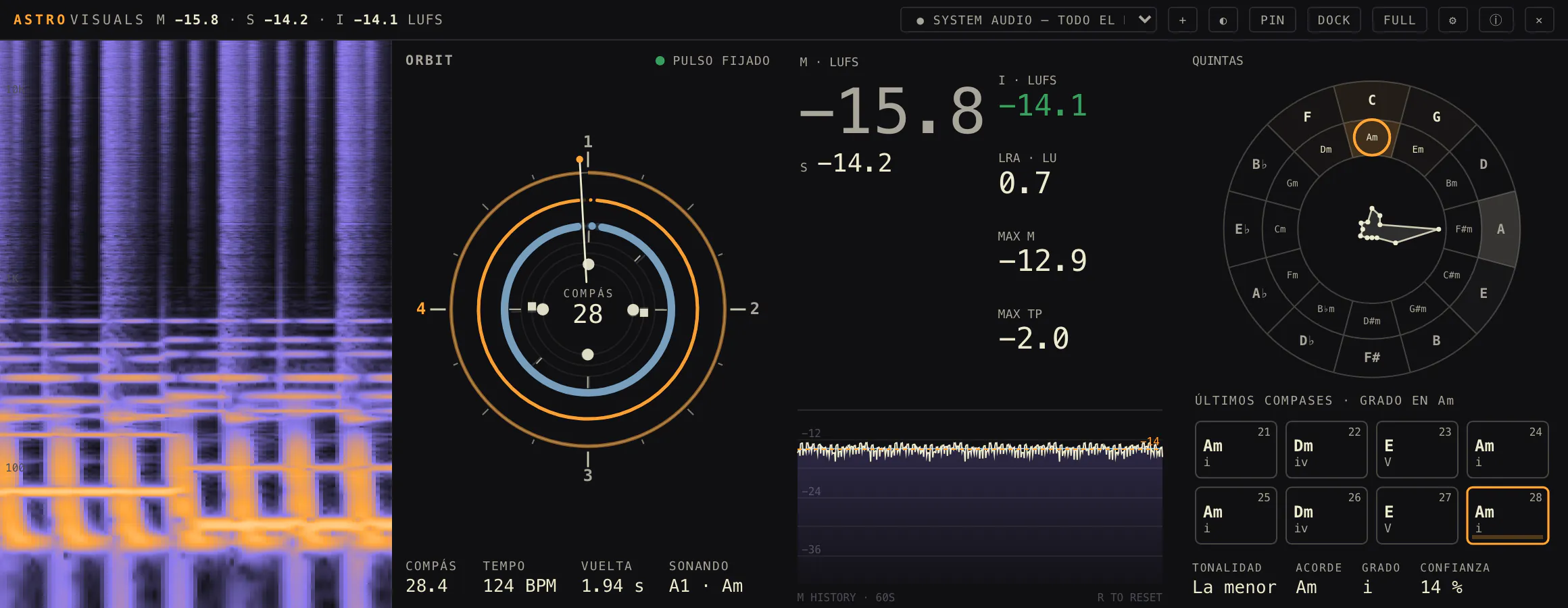
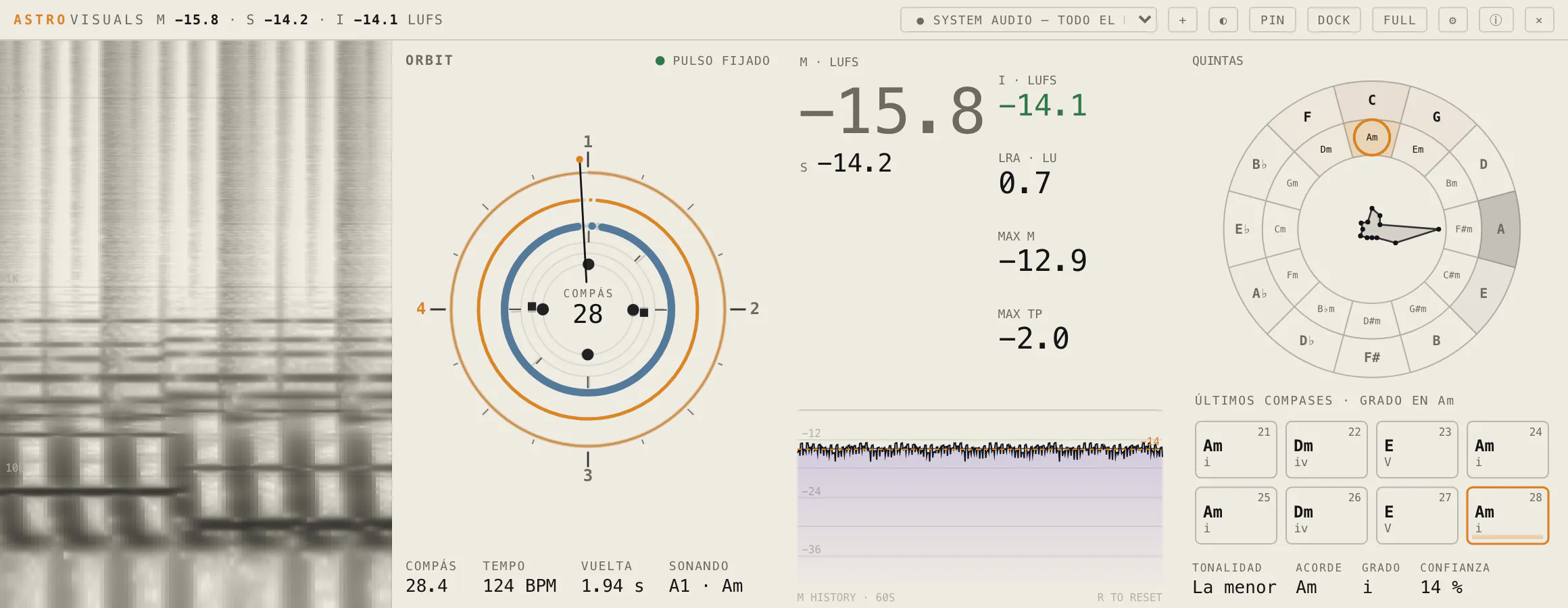
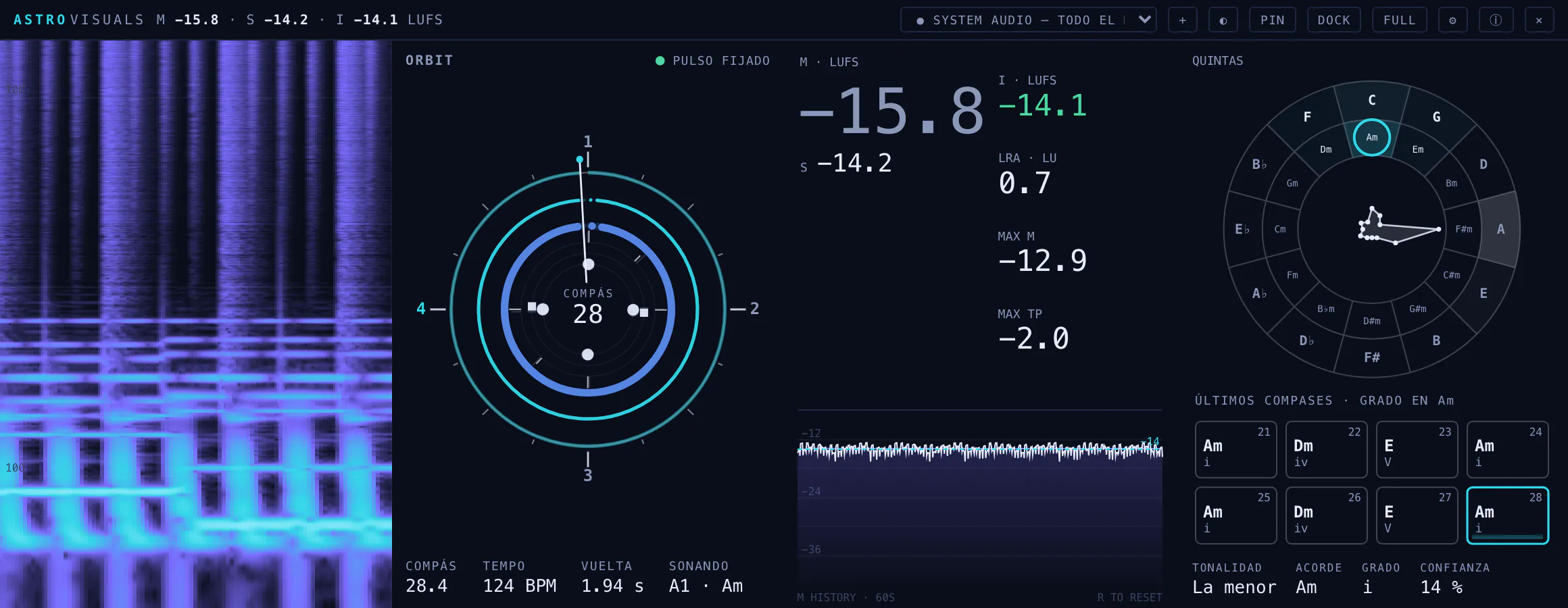
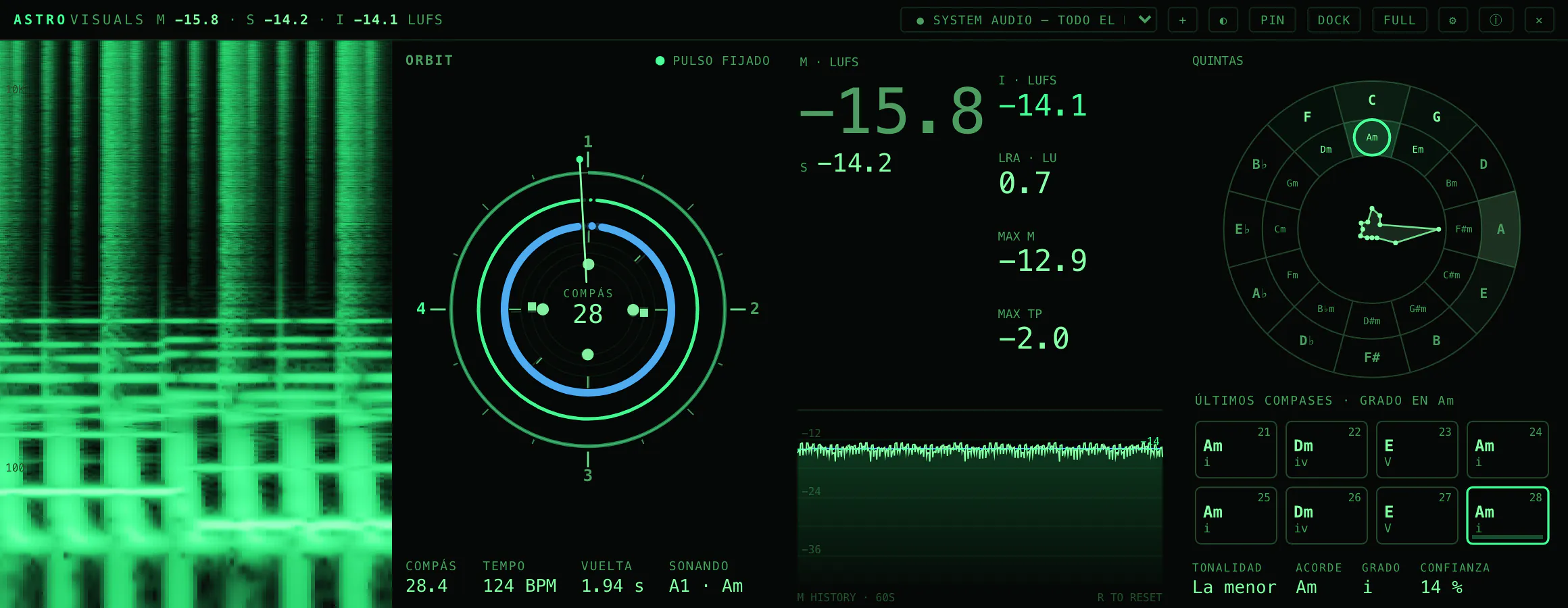
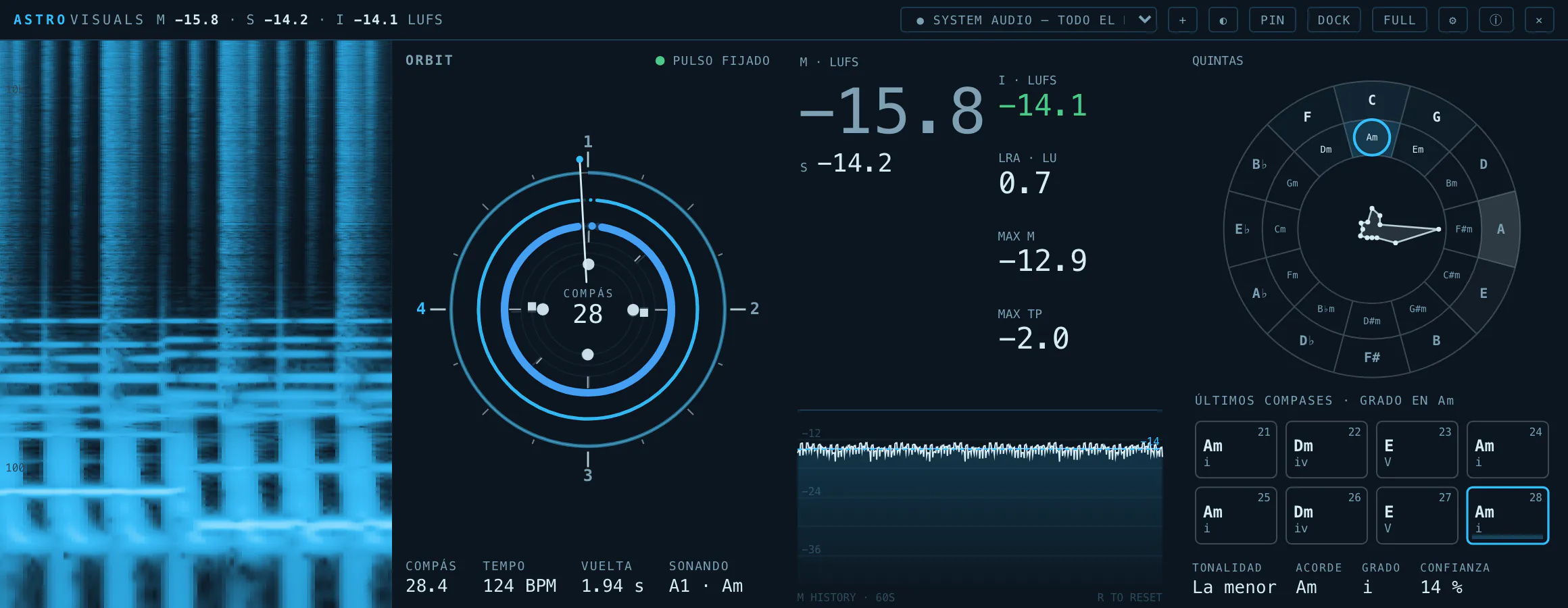
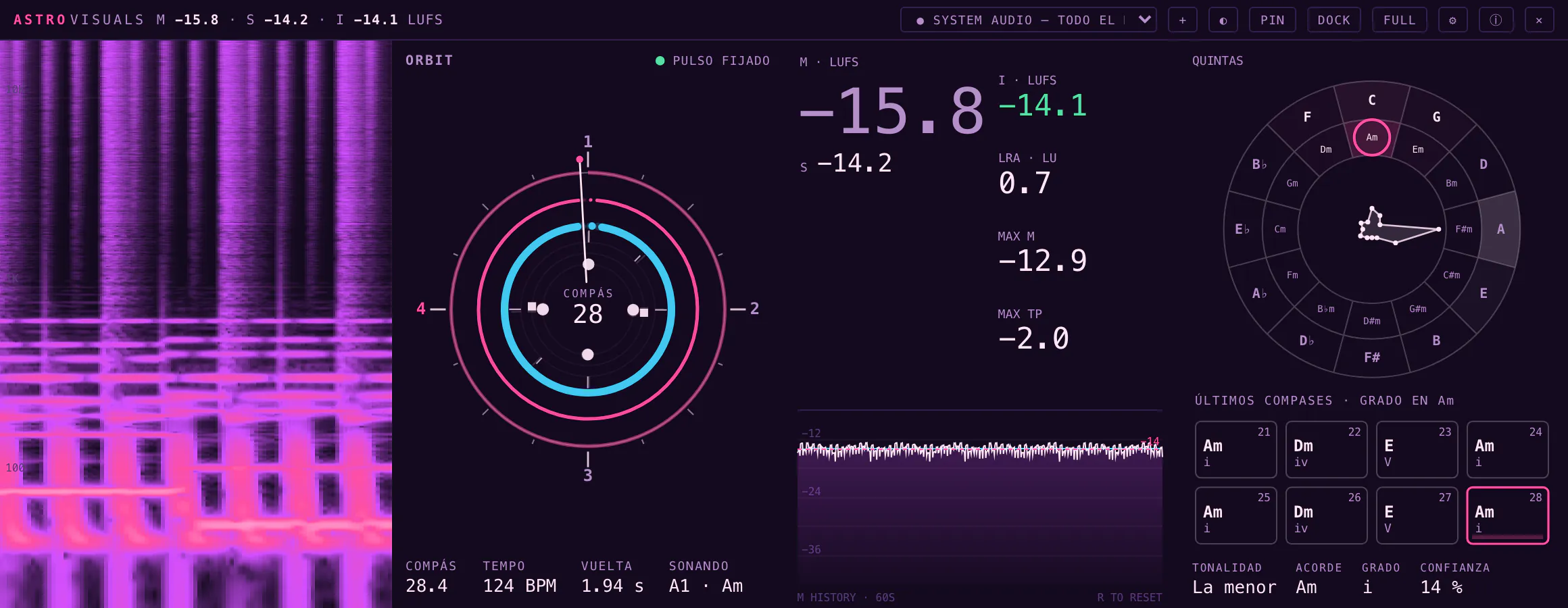
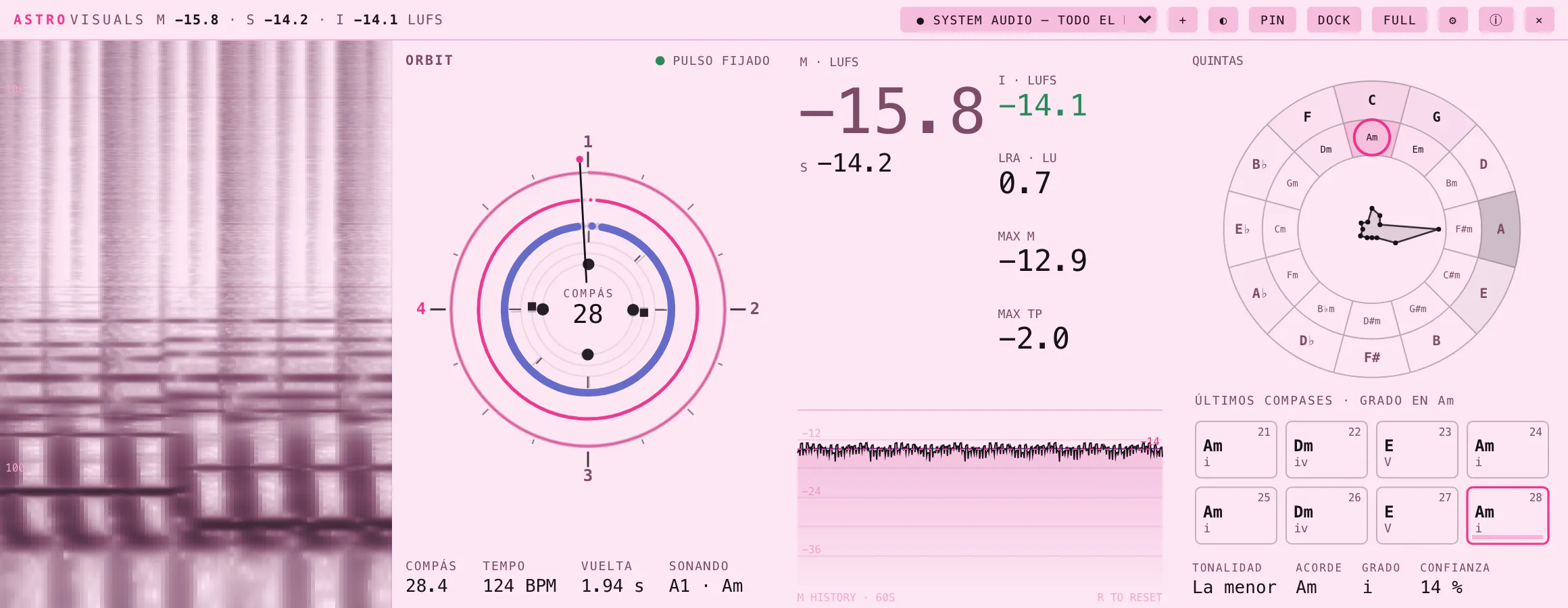
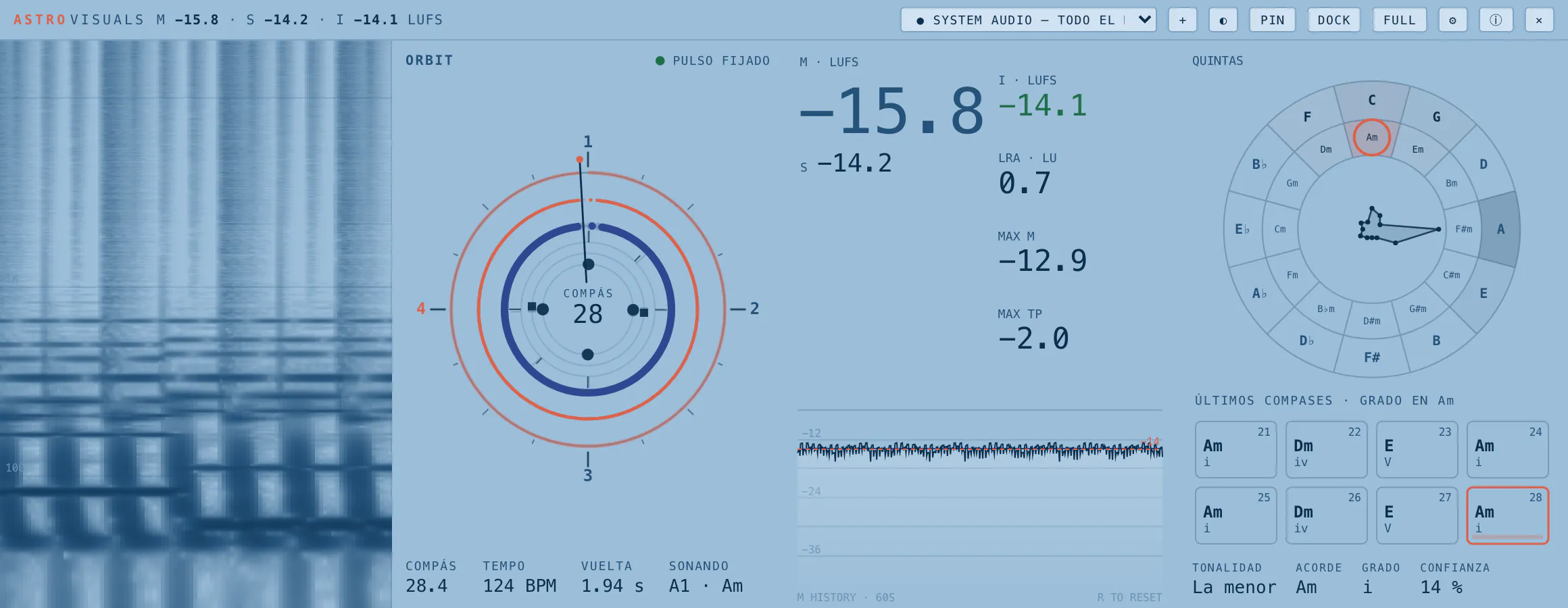
NIGHT The classic: amber and cream on near-black.
In a strip, on top of everything or on a second screen.

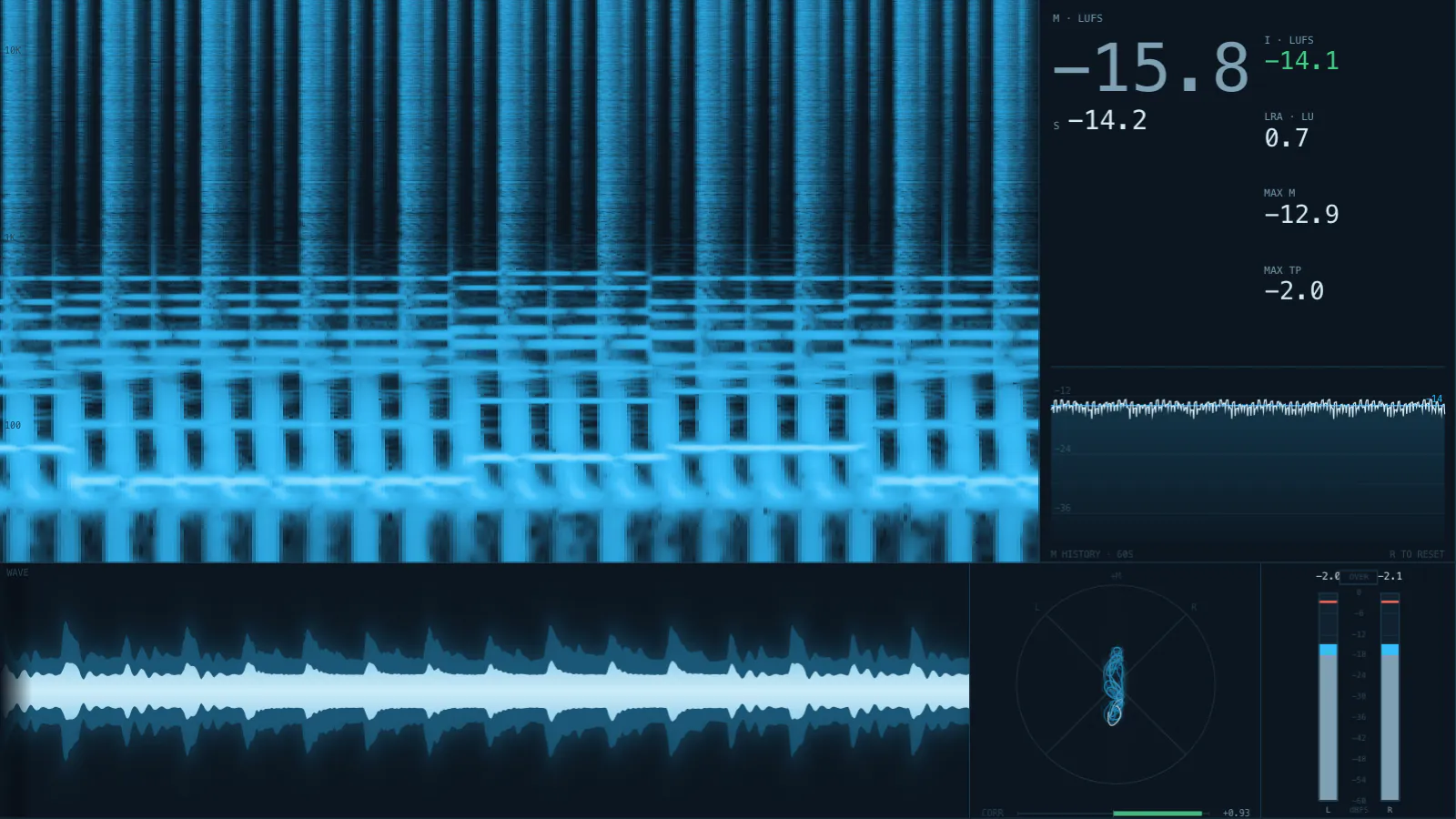
Your own metering rack.
Build the window from the panels you want and drag the dividers to give each one its room. In fullscreen, the panels become a grid of horizontal modules, like a studio rack on a second screen.
- Panels in a strip: add, remove and drag the dividers
- PIN: always on top of other windows
- DOCK: a thin strip at the top of the screen
- Fullscreen: a grid of modules, like a studio rack
In your DAW, at your DAW's tempo.
The AU / VST3 plugin is a pass-through analyser: it goes on any track or on the master and lets the audio through untouched. It has the same visuals and skins as the app, and the musical visuals follow your DAW's exact tempo and bar.
- /01
Pass-through analyser
Put it on any track or on the master: it measures and draws without touching the audio.
- /02
Your DAW's tempo and bar
ORBIT, GLYPH and the other musical visuals take the session's exact tempo and bar.
- /03
Same visuals and skins
The app's 21 visuals and 8 skins.
- /04
Saved with the project
The panel layout and the skin are saved in your DAW project.
A LUFS meter that meets the standard.
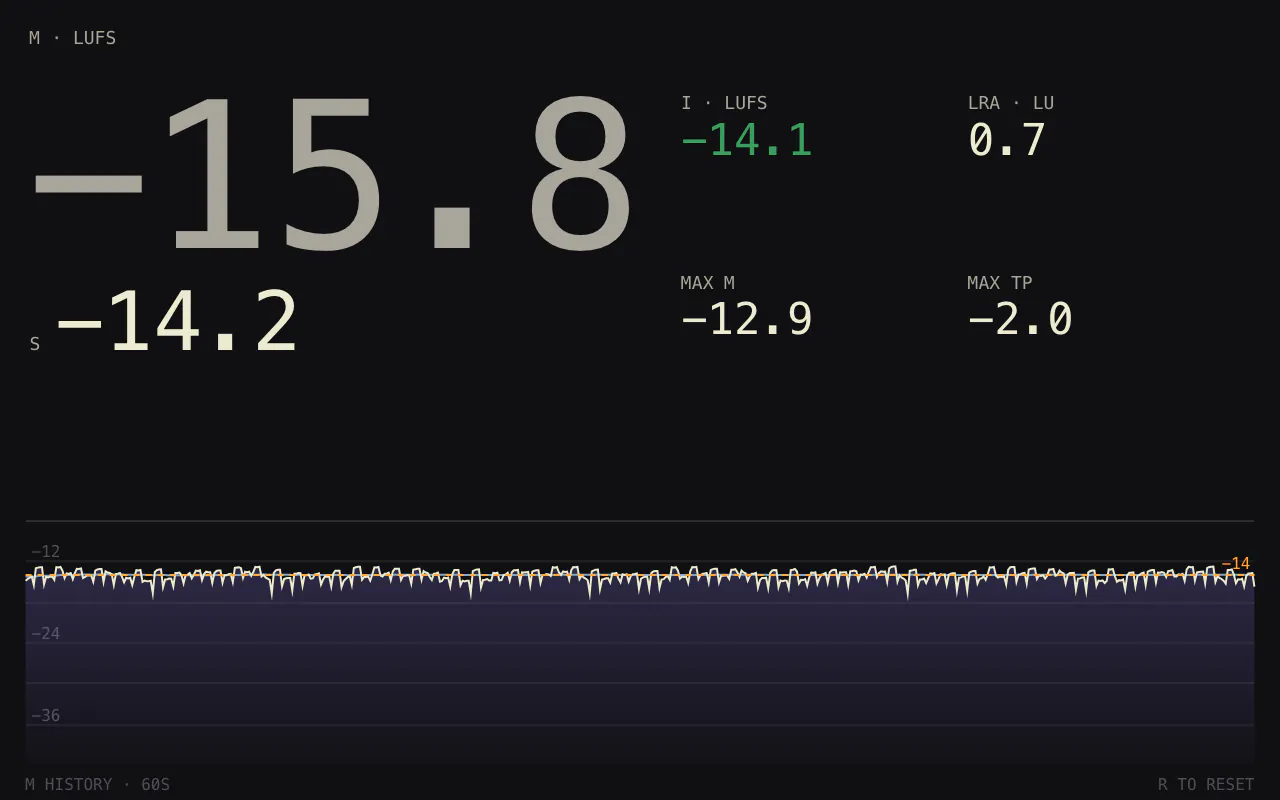
Verified against the EBU test signals.
It measures to ITU-R BS.1770-4 and EBU R128 and is verified against the EBU Tech 3341 test signals. You get momentary, short-term and integrated loudness, true peak and a line at the target you choose.
- ITU-R BS.1770-4 / EBU R128
- Verified against the EBU Tech 3341 signals
- Momentary, short-term and integrated
- True peak
- Target: −14, −16, −23, −9 or off
/ Source
Any input
Your audio interface or any input on your computer.
/ System audio
Whatever your computer plays
With SYSTEM AUDIO you see everything your computer plays, on macOS and Windows, with no extra drivers.
Works in the DAW you already use.
 VST3 · AU
- Logic ProAU · macOS
 VST3
 VST3
 VST3 · AU
 Bitwig StudioVST3
- And in any DAW that loads VST3 or Audio Unit.

 VST3
macOS and Windows- AUAudio Unit · macOS
- APPNo DAW needed · macOS and Windows
 macOSUniversal · Intel and Apple Silicon
 Windows10 and 11 · 64-bit
- Formats
- On macOS: app, Audio Unit and VST3. On Windows: app and VST3.
- Systems
- macOS universal (Intel and Apple Silicon). 64-bit Windows 10 or 11.
- DAWs
- Ableton Live, Logic Pro, FL Studio, Cubase, REAPER and Bitwig Studio.
- Visuals
- 21: SPECTROGRAM, SPECTRUM, WAVEFORM, LUFS, LEVELS, VU, GONIOMETER, SCOPE, TUNER, CONSTELLATION, MANDALA, SIGNAL MAP, PULSAR, ORB, ATTRACTOR, SPECIMEN, ORBIT, GLYPH, CHOQUE, ANCHO and QUINTAS.
- Musical layer
- Kick, snare and hat hits, tempo, bar position, key, chords and bass note. In the plugin, your DAW's exact tempo and bar.
- Metering
- ITU-R BS.1770-4 / EBU R128, verified against the EBU Tech 3341 signals. Momentary, short-term, integrated and true peak; target −14, −16, −23, −9 or off.
- Skins
- 8: NIGHT, DAY, NEBULA, PHOSPHOR, BLUEPRINT, SYNTHWAVE, PINK and CELESTE.
- Sources
- Any audio input, or SYSTEM AUDIO (whatever your computer plays) on macOS and Windows, with no extra drivers.
- Window
- Panels in a strip with draggable dividers, PIN (always on top), DOCK (a strip at the top of the screen) and a fullscreen module grid.
- Plugin
- Pass-through analyser for any track or the master. The layout and the skin are saved with the project.
- License
- One license for the app and the plugin, on 2 computers.
- Updates
- Each new version is downloaded from your account.
- Version
- 1.4.0, November 18, 2026.
What's new in 1.4?
Six new visuals (SPECIMEN, ORBIT, GLYPH, CHOQUE, ANCHO and QUINTAS) built on a musical layer that picks out kick, snare and hat hits, the tempo, the bar, the key, the chords and the bass note. That makes 21 visuals.
Does one license cover the app and the plugin?
Yes. One license covers the app and the AU / VST3 plugin on 2 computers.
Which DAWs does the plugin work in?
On macOS it loads as AU or VST3; on Windows, as VST3. It works in Ableton Live, Logic Pro, FL Studio, Cubase, REAPER and Bitwig Studio.
What about Pro Tools?
No. Pro Tools uses AAX, and Astro Visuals has no AAX version.
Do I need drivers to see what my computer plays?
No. Pick SYSTEM AUDIO as the source and Astro Visuals shows whatever your computer plays, on macOS and Windows, with nothing else to install.
How accurate is the LUFS meter?
It follows ITU-R BS.1770-4 and EBU R128 and is verified against the EBU Tech 3341 test signals. It shows momentary, short-term and integrated loudness and true peak, with a target of −14, −16, −23, −9 or off.
Do the musical visuals need the plugin?
No. In the app they read the tempo and the bar from the music itself; in the plugin they take them straight from your DAW.
How do I get updates?
Each new version is waiting in your Imperium Sounds account; download it from there.
See what you're hearing.
App · AU · VST3 · macOS and Windows · one license · 2 computers